Life is all about connectivity.
In this article, we will highlight 4 items you will want to do before your trip to Tokyo.
- Get a data plan
- Youtrip debit card
- Domestic public transport card (Suica/Pasmo) (iPhone only)
- Rail ticket from the airport
First: Ensure you have a data plan, be it a Japan SIM card, a 4G wireless router or a plan from your telecom company
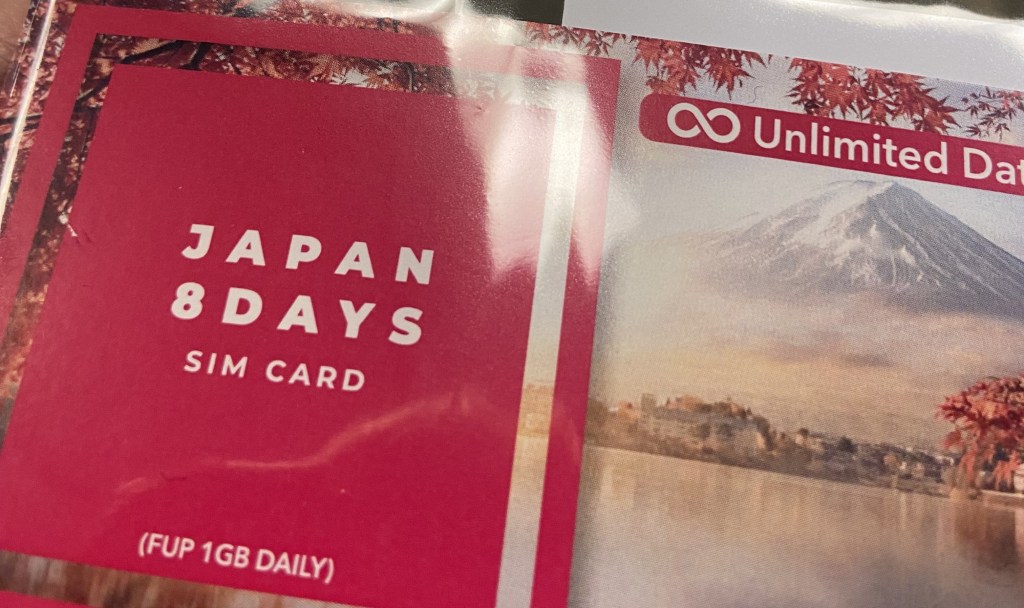
You will want to have a data plan.
Besides google maps for directions, the checks at the airport including for quarantine declarationshave moved towards pre-clearances submitted online to be reproduced upon landing. Hard copy forms are still available for disembarkation and customs clearance if you’re old school.
Japan SIM card – Good for single travelers
I used to buy this from Klook and collect at either Haneda or Narita (also available for Osaka) but the price has risen to S$39.35 for 8 days in Nov 2022. Instead, you may want to explore Changi Recommends which is available for S$17.90 as of this date for 8 days or Shopee which has several offerings, but I have not tried those before which may or may not be reliable.
4G Wireless Device – Good for families
You may want to consider this if you are on a short trip as it is S$5 per day or if more than 1 person is using it as all can connect to the same device. You can find this on Klook and Changi Recommends as well.
Subscribe to your local telco’s data roaming plan – Good for nothing
Just don’t unless you have too much money.
Please take note that the SIM card and wireless device may have caps on usage despite it being unlimited data, where your speed will drastically drop. Hot Tip: download Google Maps so you can use it offline, it will reduce data usage tremendously.
Second: Sign up for Youtrip
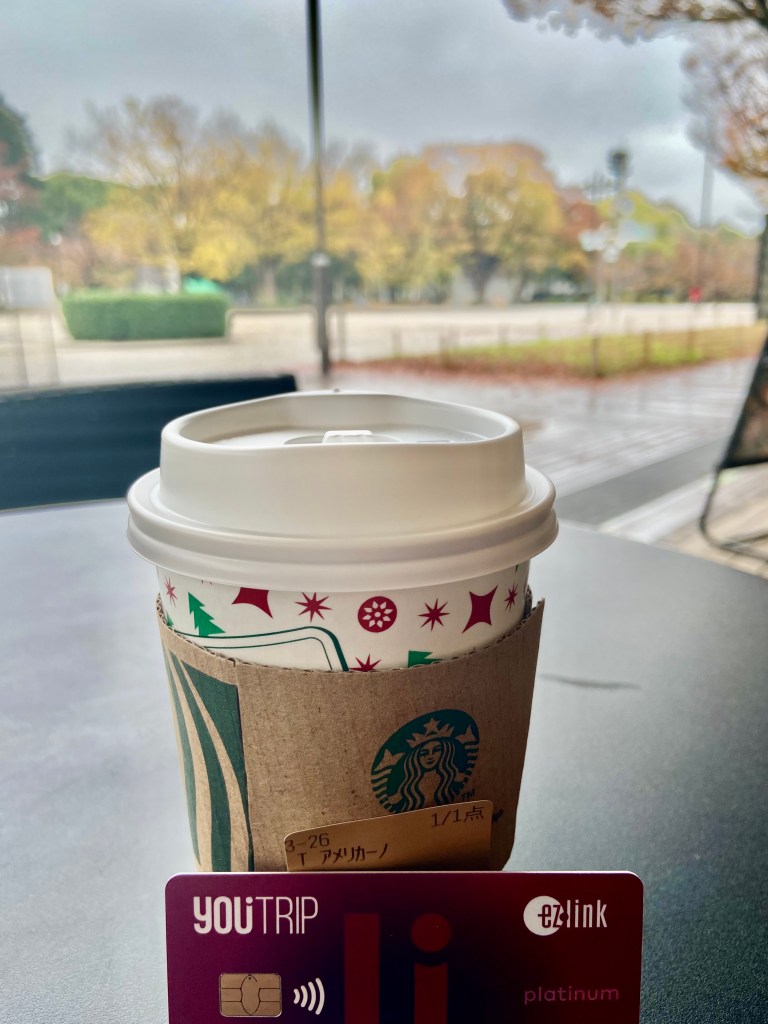
While Japan is still relatively cash-based, it is good to have a multi-currency debit card on hand with a good exchange rate for emergencies such as running out of money on the trip.
Before you sign up, get a promo code / referral from a friend to get an additional S$5 awarded upon your first top up and your friend also gets S$5. If you have no friends, you can use my link here to download the app and sign up.
Take note, you should try to apply for this about 2 weeks before your trip, as the card will take about 7 days to be delivered.
Third: Get your Suica or Pasmo for public transport (iPhone only)
I have always used cash to get around the ticket via train / subway, since it’s normally a short stay. Plus, the language barrier and trouble one has to go through to refund the ¥500 deposit on the IC card is more effort than it’s worth.
Well things are now different as Apple Pay offers both Pasmo and Suica transit cards to non-Japanese phones. There is minimal difference between both, which are used interchangeably for intra-city travel. I admit that I may be slightly late to this game.
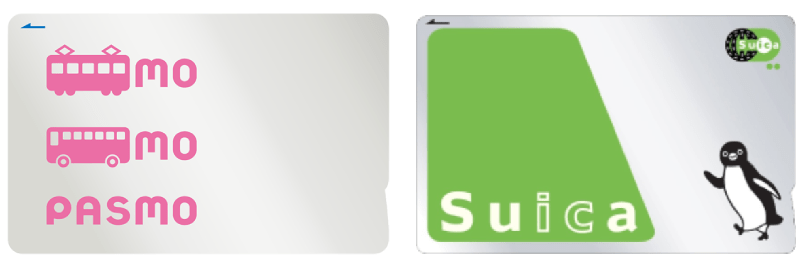
So how do you add a card with the iPhone?
- Open the Wallet app and press the + in the top right corner.
- Under the Add to Wallet screen, select Travel Card
- Search for “Pasmo” or “Suica”. I ran into an issue at this stage with Suica which did not respond and thus I used Pasmo.
- Enter the amount you want to top up. Min amount is ¥1,000 and when I used Pasmo, there was no amounts taken for deposit.
- Pay using your linked Apple Pay credit card. An issue that I ran into here is that non-Japanese Visa cards don’t work, since Aug 2022 from our checks. Use a Mastercard or Amex.
If you need images, Pasmo has very clear instructions here.
And abra kadabra alakazam, the card is added to your wallet. You may select the card to be an Express Travel card and you won’t even need to unlock your screen to clear the gantry, all you need to do is to hover your phone over the reader at the gantry.
Android users, from my understanding Google Pay is unable to add such cards as Android phones require a hardware that’s only found on phones bought domestically in Japan, but let me know if you manage to find a workaround!
Fourth: Get your Keisei Skyliner ticket if you are arriving at Narita
There are several ways to get into the city, but my preferred way is Keisei Skyliner which is direct to Nippori and Ueno, which gives you access to several JR and subway lines to get to your destination. It takes 45 minutes to get from Narita Terminal 1 to Ueno.
I normally purchase through Klook for S$22, but you can also consider purchasing direct from Keisei Skyliner at ¥2,300. Purchasing it at the counter is ¥2,500.
Personally, I love the Keisei Skyliner as it brings me to Ueno direct, which is my preferred choice to stay. As to why so, I intend to cover this soon.
 Sims Avenue